
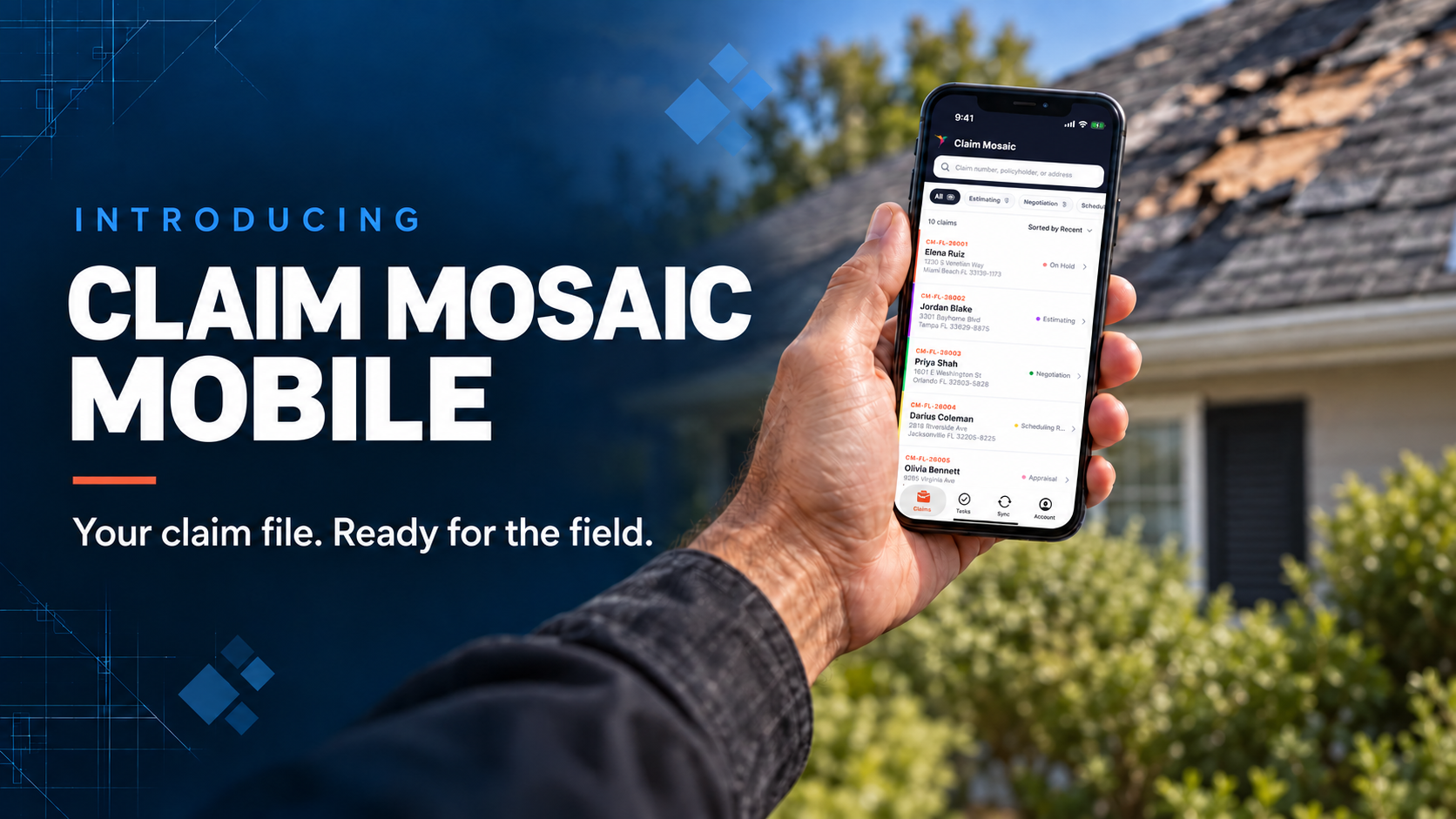
Claim Mosaic Mobile: A Mobile App for Public Adjusters
You’re at the property, about to start an inspection. You need the claim details, a place for the photos, and a way to record what needs to happen next.
Claim Mosaic Mobile puts that work on your phone or tablet. Available for iPhone, iPad, and Android, it lets authorized team members review assigned claims, capture photos and videos, open files, and update activity and tasks from the loss site.
Review the claim before you walk the property
Find your assigned claim by claim number, policyholder, or property address. Review the property, loss, policy, and claim status, then open the address in maps for directions.
Check the claim activity before you go in, too. A note from the last visit or an update from the office may change what you need to look at today.
Keep inspection photos with the claim
Take photos and videos in the app or import media already on your device, then organize it in folders on the claim.
On a water-loss inspection, you might keep room overviews and close-ups of the damage in an Inspection Photos folder. Sorting them during the visit saves you from scrolling through a camera roll later, wondering which kitchen you photographed.
You can also open claim attachments while you’re there. Your organization’s permissions determine which file and folder actions you can take.
Record the follow-up before you leave
The policyholder still needs to send a document. You need another visit to check an area you couldn’t access. Record those follow-ups before you head to the next appointment.
Add an activity entry while the conversation is fresh. Depending on your permissions, you can create, assign, edit, and complete tasks, with due dates and priorities so your team can see what needs to happen next.
Capture photos offline and sync when connected
When service is poor, you can keep documenting the loss. Claim Mosaic Mobile stores inspection photos, videos, and supported folder work on your device until you can upload them.
Once you have a connection, keep the app open to upload queued work. Automatic sync works while the app is active and connected, or you can start the upload with Sync Now.
Check the Sync screen before putting your phone away. It shows what’s queued, uploading, synced, or failed, so you can confirm what reached the claim and what still needs attention. Some screens and actions require a connection, even when photo capture is available offline.
Use it alongside your Claim Mosaic workspace
Use your phone for a quick check at the property or a tablet when you want more room to review files. Both support light and dark modes.
Claim Mosaic is claims management software for public adjusters. The mobile app handles these field tasks, while accounting and broader office workflows remain on the web platform.
Mobile access is included for eligible, authorized users with an existing Claim Mosaic organization account. Download the app for your device and sign in with your existing account. Contact your organization administrator if you need access.
See Claim Mosaic Mobile for a closer look at the app and download options.